Kali Yuga › Bandcast

Bandcast
Plays the music on your phone through your Sonos speakers, with a proper EQ per room.
iPhone: free to try, one-time unlock €3,99, no subscription
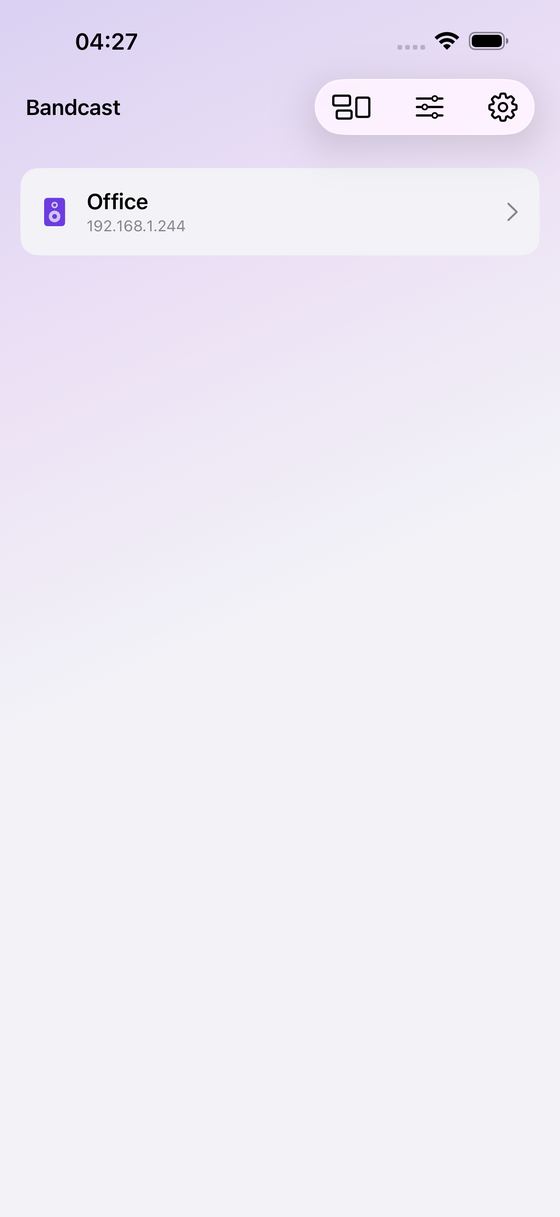
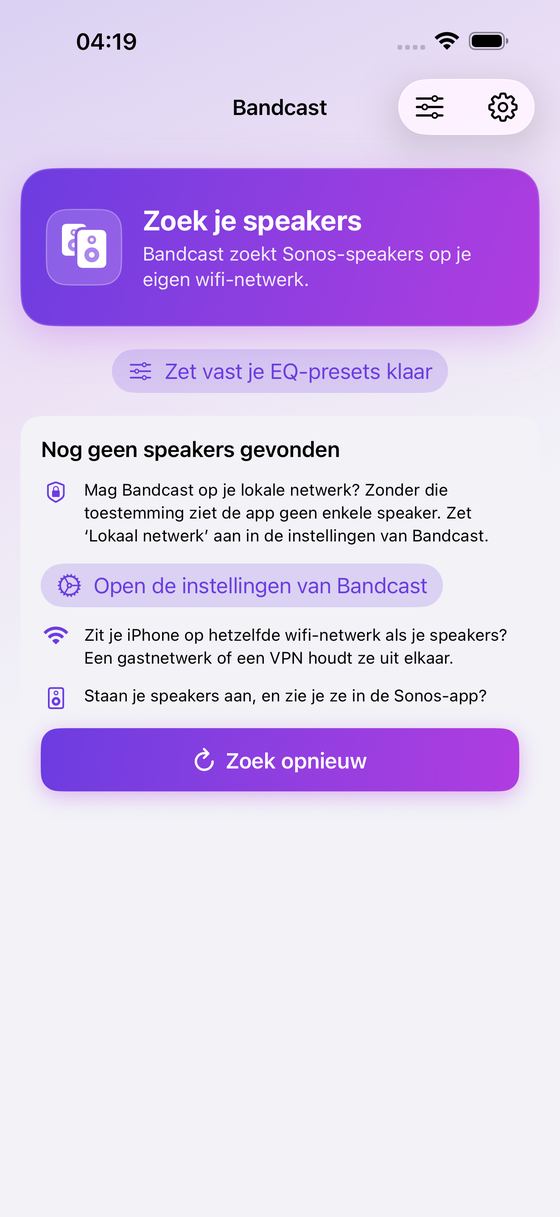
Bandcast turns your iPhone into a proper remote for the speakers you already own: it finds them on your wifi, plays your own music on them, and — with the one-time unlock — lets you tune every speaker the way you want it.
Everything happens on your own network, straight between your iPhone, your speakers and (if you have one) your own music server. No account, no cloud, no subscription.
What It Does
- Finds your speakers on your wifi and controls them: play, pause, skip and volume
- Plays audio files from your iPhone or from Files — pick several and they become a queue that advances on its own
- Browses what your system already knows: favourites, playlists and the indexed music library, and plays them
- Connects to your own music server (Subsonic-compatible, such as a self-hosted library) so the speaker fetches the music straight from it
- Groups speakers, so the same music plays in more rooms
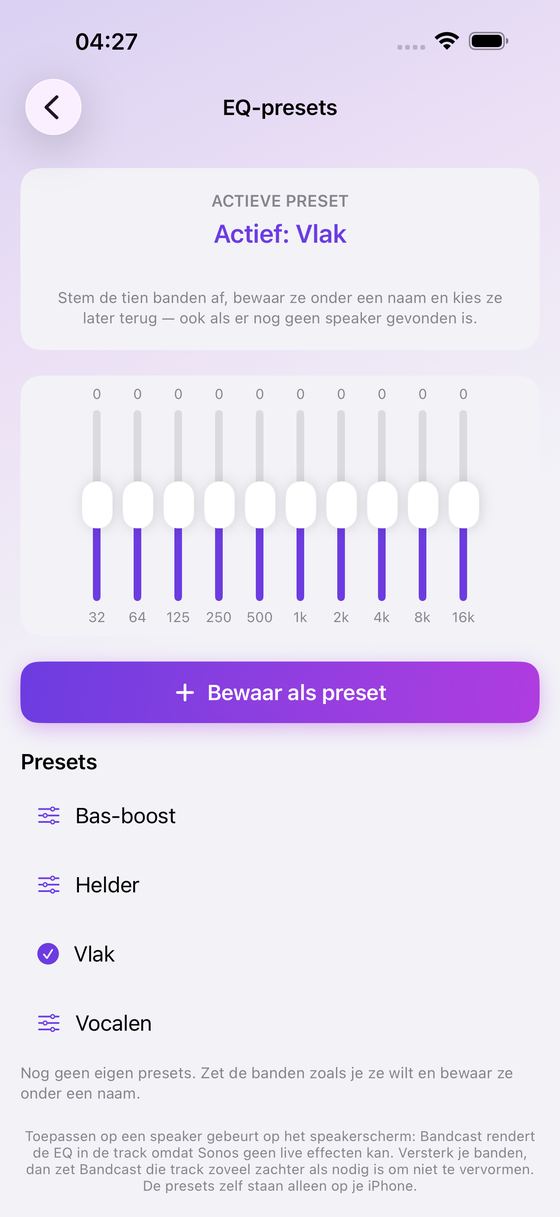
- Prepares your sound before a speaker is even found: ten bands from 32 Hz to 16 kHz, four built-in presets and one preset of your own
With The One-time Unlock
- Bass, treble, loudness and height per speaker
- The ten-band equalizer applied to the music you play from your iPhone
- Unlimited presets of your own (one is free)
- Setups the official app will not make: stereo-pair any two speakers, bond mismatched surrounds, a sub, and separate front left/right speakers — and capture a restore point first so you can put the old arrangement back
Worth Knowing Before You Buy
- Your iPhone and your speakers have to be on the same wifi. Bandcast does not reach your speakers from outside your home, and it needs permission for the local network.
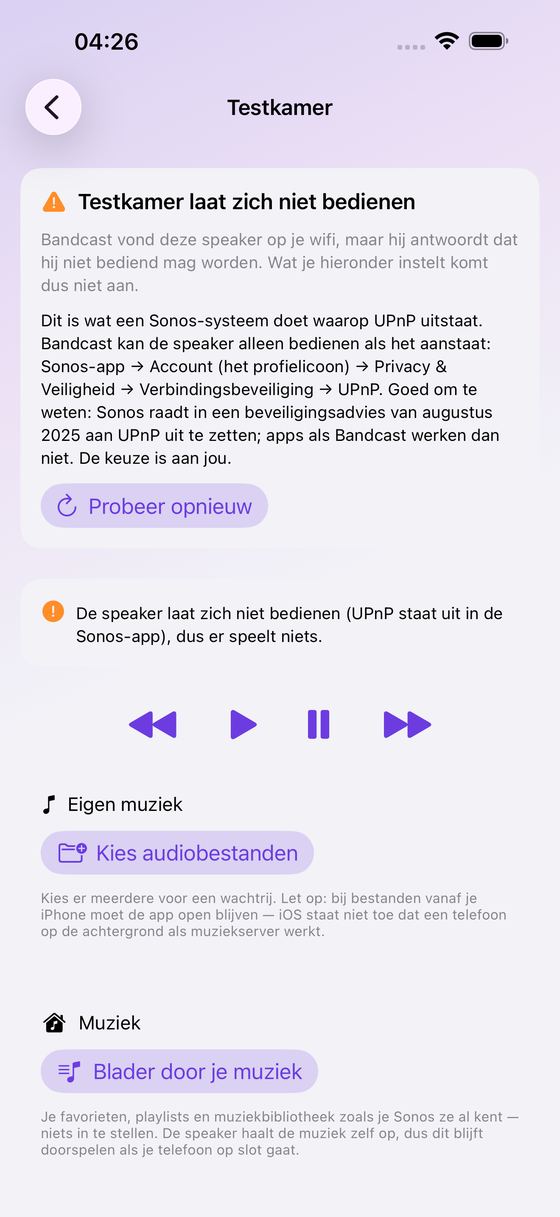
- Bandcast controls your speakers over UPnP. Sonos has it switched on by default; if you switched it off (Sonos app: Account → Privacy & Security → UPnP), Bandcast finds your speakers but cannot control them, and tells you so.
- Music from your speakers' own library or from your music server is fetched by the speaker itself, so it keeps playing when your iPhone locks.
- Files streamed from the iPhone itself work differently: your phone is the server, so Bandcast must stay open in the foreground (iOS does not let a phone serve audio in the background). The screen is kept awake while it does.
- The ten-band equalizer re-renders the file Bandcast is serving, so it applies to music you play from your iPhone — not to a stream the speaker fetched by itself. It is applied to the track that is playing; the next track in your queue starts without it.
- Raising a band makes a track louder than a file can hold, so Bandcast turns that track down just far enough to keep it free of distortion, and tells you by how much. Turn the speaker up a little if you miss it.
- Speakers refuse audio above a 48 kHz sample rate; Bandcast flags those tracks before you queue them.
- Adding a new shared music folder is the one thing the local interface cannot do. Bandcast shows you where to do it and then re-indexes the library for you.
Exploring is free: discovery, playback, your whole library and one saved preset. The equalizer and the setup tools are a single, one-time unlock — no subscription, no ads, no account.
Bandcast is an independent app. It is not affiliated with, authorised by or endorsed by Sonos.
Ideas, gripes, or something broken in Bandcast?
Tell us here; it goes straight to the people who build it. The more specific, the faster we can do something with it. For a problem, the iPhone model, the iOS version and the steps up to where it goes wrong are what let us reproduce it.
Or email info@kaliyuga-apps.nl. What you send goes to us and nowhere else; see the website privacy statement.