Kali Yuga › Colorplate

Colorplate
Turns a photo into a coloring page you can actually print.
iPhone: free to try, one-time unlock €8,99, no subscription
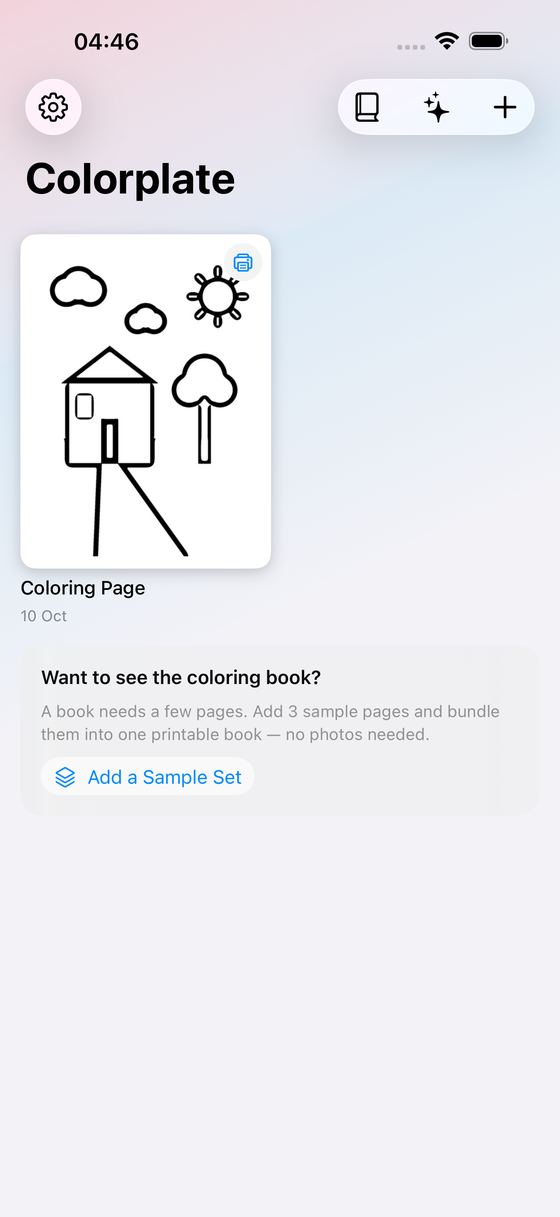
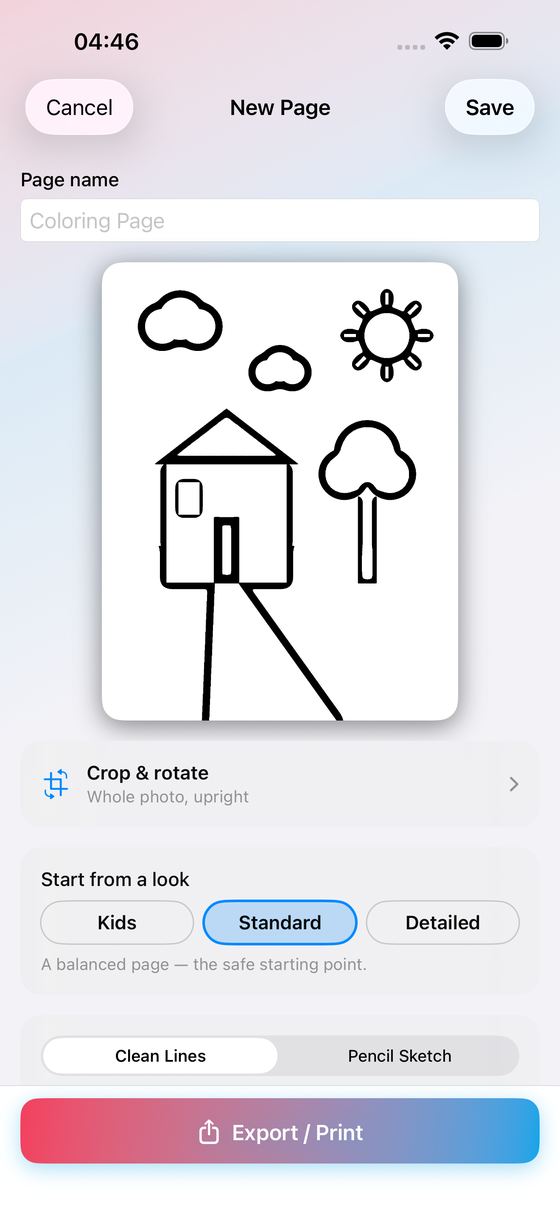
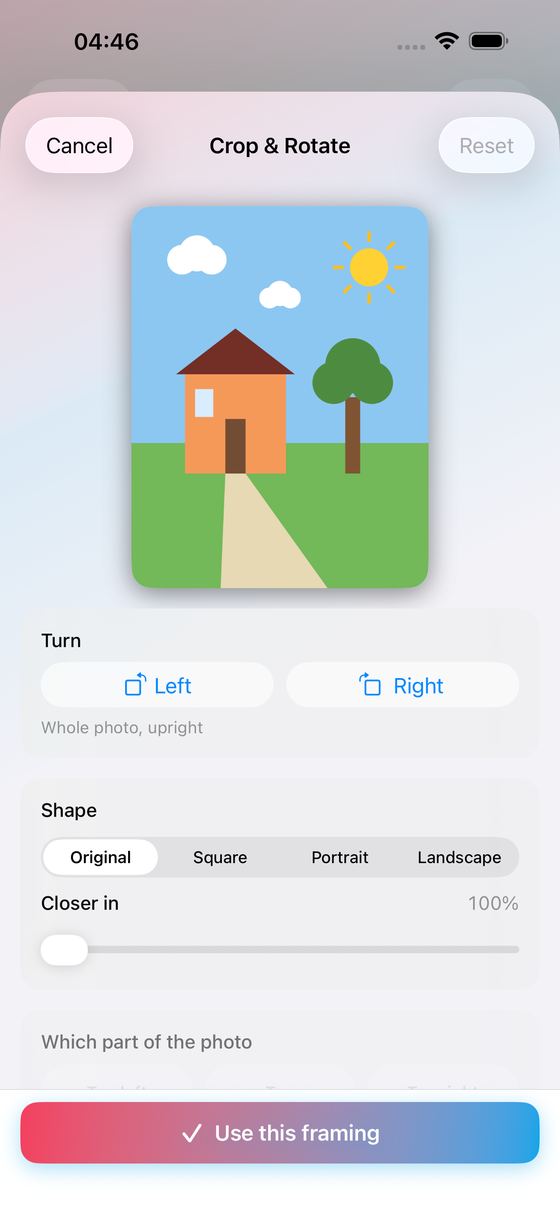
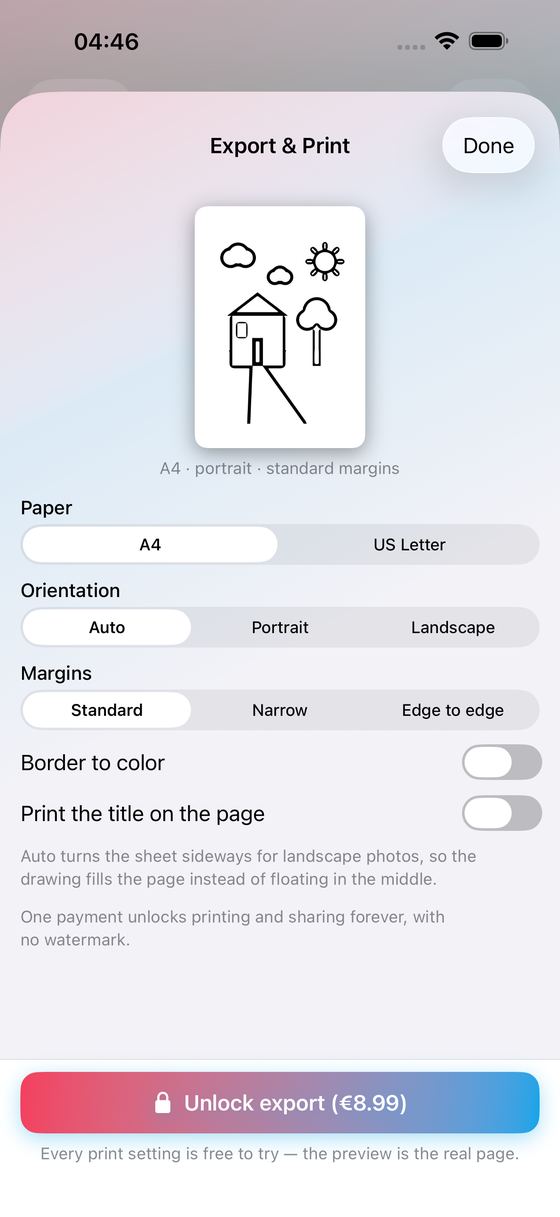
Colorplate turns your own photos into printable coloring pages, entirely on your iPhone. Pick a picture, choose a look, print it. No account, no upload, no subscription.
What It Does
- Turns a photo from your library into clean black-and-white line art
- Or a whole batch: pick up to 24 photos at once and get a page for each, with progress you can stop
- One-tap looks: Kids (thick, simple lines), Standard, or Detailed for grown-up coloring
- Or set it yourself: detail, ink, line weight and speck clean-up, with a live preview
- Subject only: lifts the person or the pet out against clean white
- Keeps your pages in a gallery — rename, duplicate or delete them whenever you like
- Print-ready PDF and PNG: A4 or US Letter, portrait or landscape, your choice of margins, an optional border to color in, and the page title printed under the drawing
- Bundles several pages into one coloring-book PDF with a printable cover
- Prints straight to any AirPrint printer, from the page or from the gallery — or hands the file to the share sheet to save to Files or Photos and send it on
- No photos at hand? Try the built-in sample — one page to tune, or a three-page sample set you can bundle into a coloring book, without touching your photo library
Why You'll Like It
- One-time purchase — no subscription, ever
- 100% on your device: your photos are converted on this iPhone and never uploaded
- No account, no sign-up, no ads — the app never even asks for photo-library access
- No watermark on anything you export
Everything up to the file is free: importing, converting, every look and every slider, and the full print preview of the actual sheet. The one-time unlock switches on the export itself — unlimited PDF, PNG and coloring-book files, without a watermark.
A rainy afternoon, a birthday party, or a picture of the dog for grandma. Your own photos, on paper, ready to color in.
Ideas, gripes, or something broken in Colorplate?
Tell us here; it goes straight to the people who build it. The more specific, the faster we can do something with it. For a problem, the iPhone model, the iOS version and the steps up to where it goes wrong are what let us reproduce it.
Or email info@kaliyuga-apps.nl. What you send goes to us and nowhere else; see the website privacy statement.