Kali Yuga › StackPDF

StackPDF
Merge, reorder, split. The PDF chores, done on the phone.
iPhone: free to try, one-time unlock €8,99, no subscription
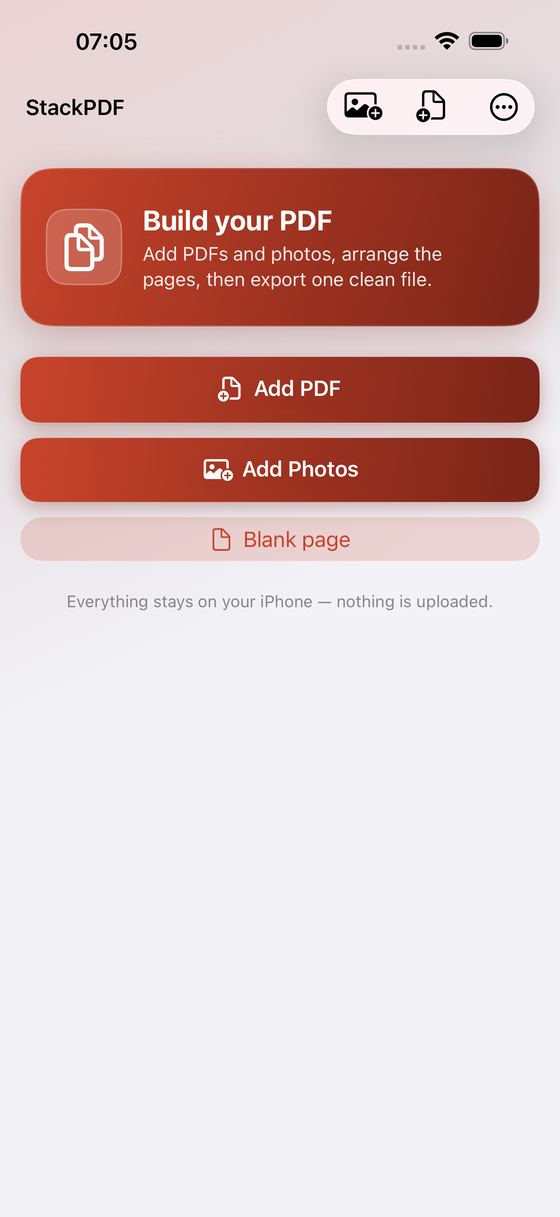
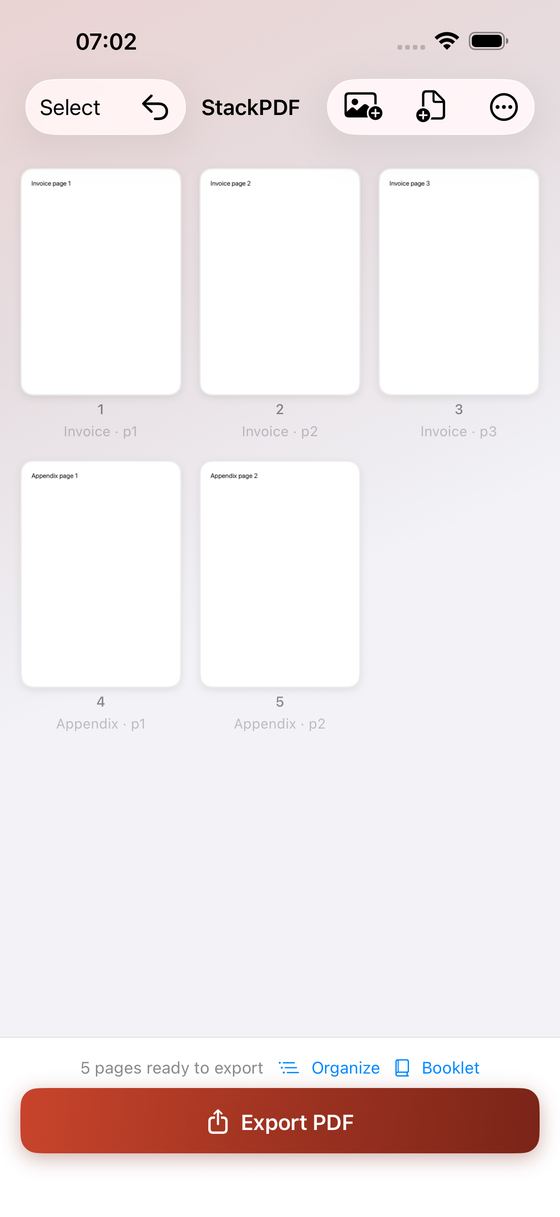
StackPDF assembles a finished PDF on your iPhone: add files and photos, put the pages in the right order, sign or mark them up, then export one clean document. Everything happens on your device. No account, no subscription, no cloud.
What It Does
- Merge any number of PDFs and photos into one document — and insert new material exactly where you want it with "Insert after this page", instead of always at the end
- Reorder the reliable way: an Organize list with drag handles that scrolls while you drag, plus Move to front, Move to end and Reverse order for a stack scanned back-to-front
- Scanned both sides in two passes? Fronts & backs zips them together in one tap — including the usual case where you turned the pile over and the backs came out in reverse. You see the new order before you commit, and Undo puts it back
- Rotate, duplicate and delete pages; switch on Select to rotate or delete several at once
- Undo on adding, importing, deleting, reordering and clearing — 15 steps deep
- Add text in real fonts — Times New Roman, Helvetica, Courier and more — bold, italic or underlined, in the size and colour you choose
- Highlight the page's own text in five marker colours, and pin comments to a passage or a spot on the page; they stay editable in Preview, Acrobat and Mail
- Draw with Apple Pencil or your finger, and place a signature you draw once and reuse on the next page
- Fill in a PDF's existing form fields and keep the values in the file you export
- Preview the finished document full screen — for free, before you buy anything
- Save the result to Files, share it by Mail or AirDrop, or print it straight from the app; works in portrait and landscape
- Put the whole document on one paper size — A4 or US Letter — so a photo, a scan and a page you made here stop being three different sizes in the same file. Every page is centred on the sheet in its own orientation, nothing is cropped, and pages already that size are left exactly as they are
- Export with your own file name, optional page numbers, optional password protection and an optional smaller file — StackPDF writes both versions, sends the one that is genuinely smaller and tells you which it was, so "reduce file size" never hands you a bigger file with unselectable text
- Export only the pages you selected as a separate PDF
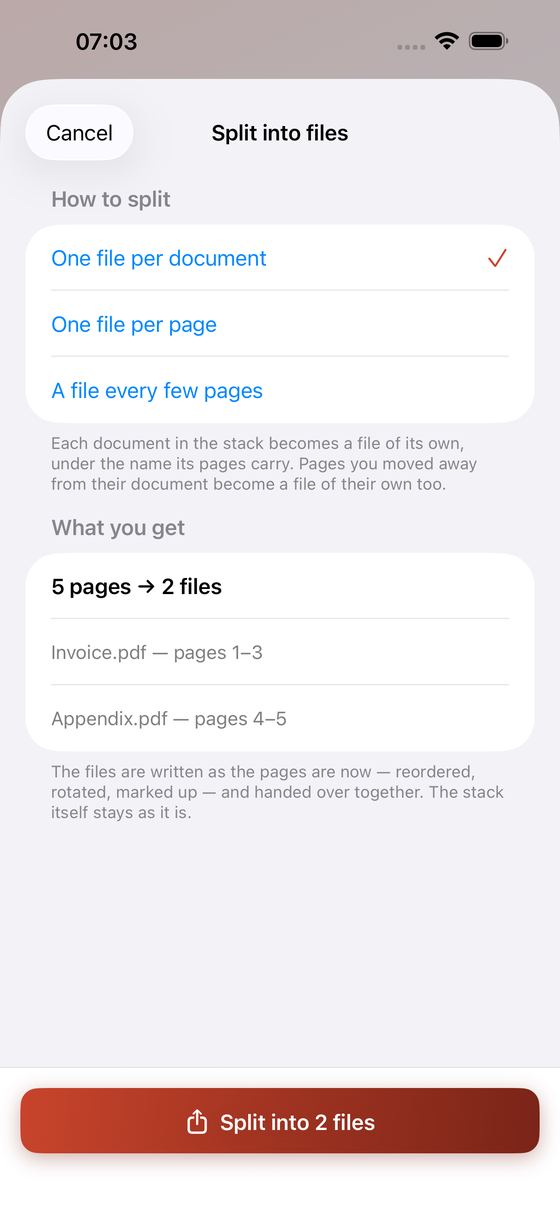
- Split a stack into several files in one go: one per document you merged, one per page, or one every few pages. You see the file names, and which pages go into each, before anything is written
- Booklet and N-up: reorder the pages so a double-sided, folded and stapled pile reads 1, 2, 3 — or put 2 or 4 pages on a sheet. See how many sheets it costs, which original page lands where, and preview the finished sheets, all before you export
- Your working stack is saved as you go and comes back if the app is closed
Why You'll Like It
- One-time purchase — no subscription, ever
- 100% on your device — nothing is uploaded, there is no server and no account
- No ads, no watermark, no sign-up
- Your originals are never touched: StackPDF works on copies and writes a new PDF
Almost every capable PDF app now asks for a monthly or yearly subscription, and password protection or booklet layout is often a separate paid app on top of that. StackPDF is one fair, one-time unlock. Assemble your document, organize it, mark it up and preview the result for free; the unlock turns on exporting — quick export, export options, the smaller-file export, the selected-pages export, the split into several files and the printable booklet.
Assemble it once. Keep the app forever.
Ideas, gripes, or something broken in StackPDF?
Tell us here; it goes straight to the people who build it. The more specific, the faster we can do something with it. For a problem, the iPhone model, the iOS version and the steps up to where it goes wrong are what let us reproduce it.
Or email info@kaliyuga-apps.nl. What you send goes to us and nowhere else; see the website privacy statement.